
Tablets for Schools
Securely managed, ready to use right away, ideal for digital learning.
Securely managed, ready to use right away, ideal for digital learning.

Digital technology in schools is more important than ever. School tablets offer teachers and students a wide range of options for making lessons interactive and promoting digital learning. With our school tablets, you can meet the demands of modern classrooms.
Our Selection of Tablets
Benefits
Financing
Frequently Asked Questions (FAQ)
Our Selection of Tablets for School
We offer a wide selection of tablets for schools at attractive prices. Choose the model that's right for your school and take advantage of special school pricing.

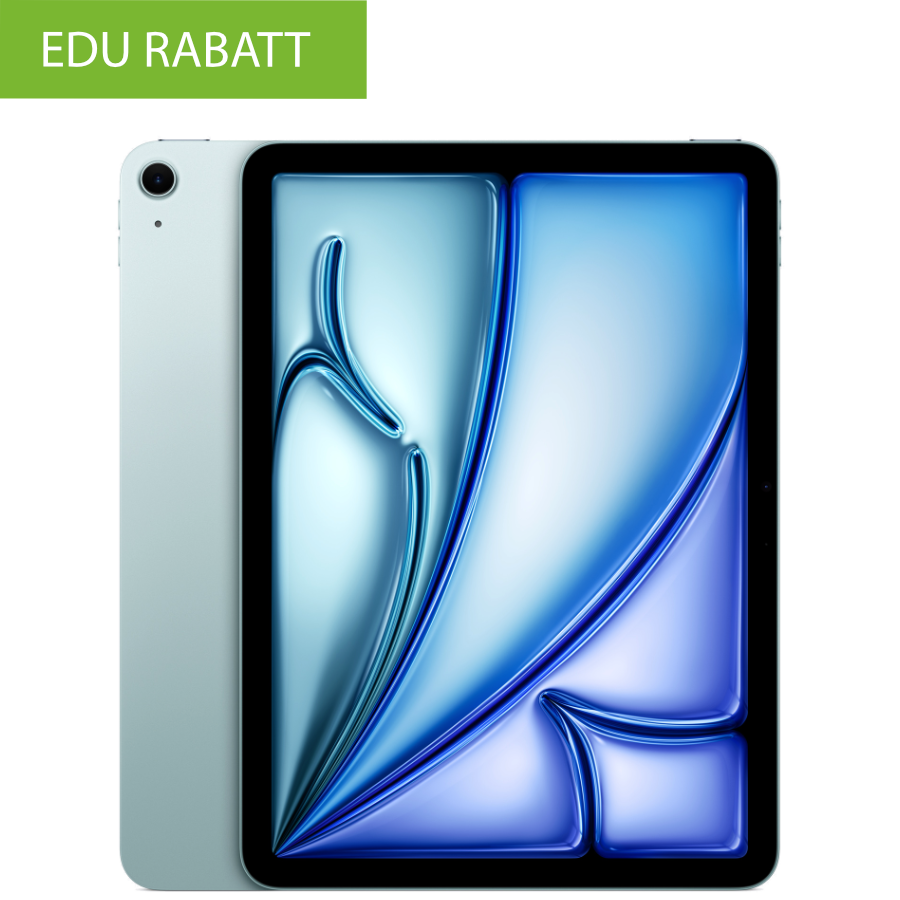
Tablet 2: Optimized for Digital Learning
Recommended model: Apple iPad Air (11″ or 13″, M3, 2025)
The latest-generation iPad Air is equipped with the powerful M3 chip and features a Liquid Retina display in two sizes. It supports both the Apple Pencil Pro and the Apple Pencil (USB-C), making it ideal for interactive learning applications and digital instruction. The combination of performance and versatility makes it an excellent choice for modern educational settings.
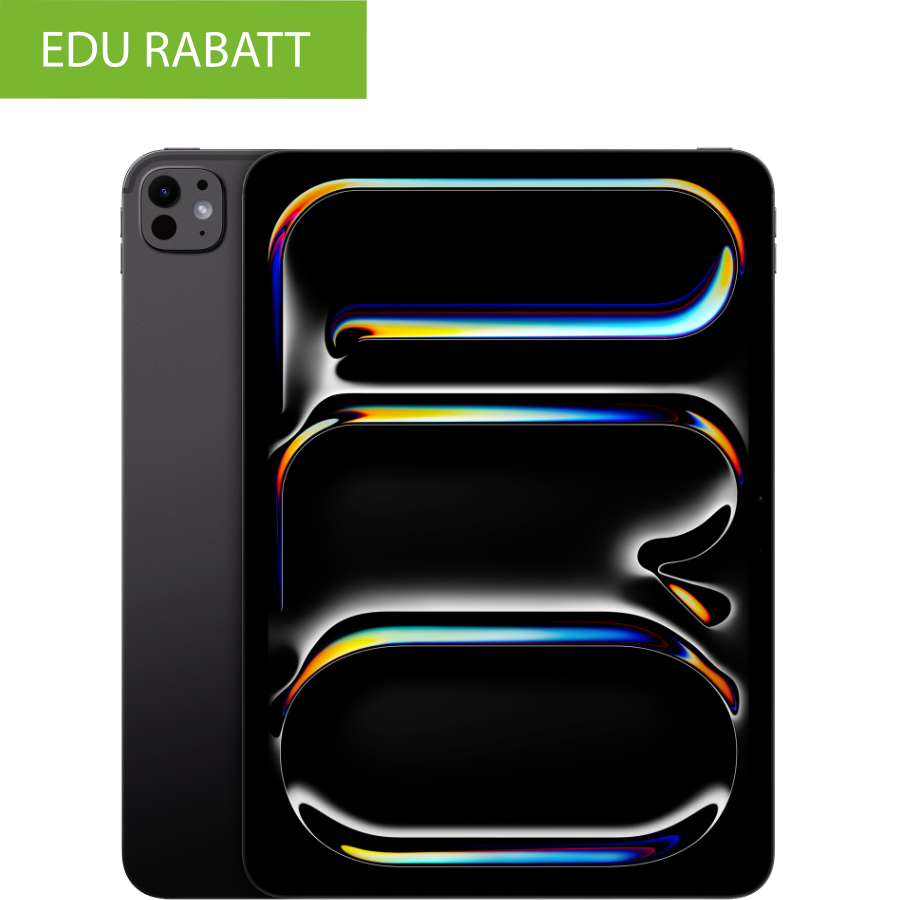
Tablet 3: For creative and multimedia applications
Recommended model: Apple iPad Pro (11″ or 13″, M5, 2025)
The latest-generation iPad Pro is equipped with the advanced M5 chip and features an Ultra XDR Retina display for outstanding image quality. It supports the Apple Pencil Pro, making it ideal for creative tasks such as graphic design, video editing, and other multimedia applications. Its high performance and extensive features make it the best choice for creative professionals.
Advantages
- Optimized for everyday school life: Our tablets for schools are built to last and offer access to a wide range of educational apps.
- Versatility: Ideal for all subjects and learning formats, from digital instruction to creative projects.
- Accessories: Compatible accessories, such as keyboards and styluses, enhance the learning experience even further.
- Flexible Financing: Take advantage of our 0% financing option to purchase tablets on attractive terms.
Buy a tablet for school or finance it at 0%?
Schools have a choice:
- Kauf: Sofortiger Besitz der Tablets für die Schule ohne langfristige Verpflichtungen.
- Financing: Monthly interest-free payments allow for flexible budget planning.
Frequently Asked Questions (FAQ)
Why should tablets be used in school?
Tablets enable a modern, up-to-date form of learning and expand classroom instruction with numerous digital possibilities. Teachers can design instructional materials in a vivid, interactive, and flexible way—from digital worksheets to videos to interactive exercises.
Students benefit from a wide variety of learning apps that make it easier for them to work independently and can be tailored to different learning levels.
In addition, tablets offer:
• High motivation through interactive content
• Better differentiation, as assignments can be customized
• Access to digital textbooks and online resources
• Improved media literacy, a key skill for the future
• Greater creativity, e.g., when creating presentations, videos, or mind maps
Overall, tablets help make lessons more modern, varied, and practical.
What should you look for when buying a tablet for school?
When purchasing a tablet for everyday school use, several technical and practical criteria play an important role in ensuring that the device is reliable, durable, and suitable for all classroom situations. The following aspects are particularly important:
Display size – easy to read and comfortable for extended study sessions
A sufficiently large, high-quality display makes it easier to read digital textbooks, work on worksheets, and write with a pen or keyboard.
Recommendation: at least 10.9–11 inches, so that content is displayed clearly and students can stay focused on their work.
Storage Capacity – Enough Space for Apps & Learning Materials
Students need enough storage for educational apps, presentations, PDFs, photos, and projects.
Insufficient storage quickly leads to limitations in the classroom.
Recommendation: at least 128 GB, so the device can be used effectively for several years.
Battery life—a full school day without charging
A tablet should reliably last a full school day without needing to be plugged in.
Recommendation: About 10 hours of battery life to ensure uninterrupted learning.
Compatibility with Educational Software & Accessories
It is important that the device supports all the apps, platforms, and tools used by the school—such as digital textbooks, learning platforms, Office programs, and creative applications.
Compatibility with styluses and keyboards should also be taken into account to ensure the tablet can be used in a variety of ways.
Reliability & Future-Proof Design
Since the device is used every day at school, it should:
• Be built to last
• Receive regular software updates
• Offer a long service life
This ensures that the tablet will remain reliable for several school years.
What's the best tablet for school?
For use in schools, the iPad has established itself as a particularly reliable and versatile solution in many educational institutions. It offers a combination of user-friendliness, performance, and educational value that is crucial in everyday school life.
User-friendly and intuitive
The iPad is easy to use right away. The operating system’s clear structure, simple menu navigation, and direct access to learning materials make it easy for students and teachers to get started with digital learning.
Durable and sturdy for everyday use
An iPad is designed to last for many years and features durable hardware that can easily withstand the rigors of everyday school life. As a result, the device remains a reliable learning platform throughout several school years.
Wide selection of educational apps and teaching tools
There are apps suitable for nearly every subject—from math and science to languages and creative subjects. In addition, there are digital textbooks, note-taking apps, presentation tools, and learning platforms that enrich the classroom experience.
Ideal for creative and personalized work
With additional accessories such as a stylus or keyboard, the iPad becomes a versatile learning tool: ideal for handwritten notes, presentations, videos, drawings, or research projects.
Can be seamlessly integrated into school systems
The iPad can be easily managed using Mobile Device Management (MDM) and integrated into existing school systems. Teachers benefit from secure, standardized devices and easy management options.
At what age are tablets suitable for students?
The use of tablets in the classroom is generally suitable for students of nearly every age group, as the devices can be flexibly adapted to students’ individual abilities and needs. It is important that their use be guided by educators and align with the school’s instructional approach.
Elementary School (approx. ages 6–10)
Tablets can be put to good use as early as elementary school—especially when they are specifically integrated into the learning process.
It is suitable for:
• First digital educational games
• Practice in reading, writing, and math
• Creative activities such as drawing or recording audio
• Simple research tasks
• Personalized learning opportunities
What's important here is a clear structure, an educationally sound framework, and the use of easy-to-use apps.
Secondary Schools (ages 10–11 and up)
Starting in middle school, a tablet reaches its full potential. Students can use it in a much more independent and versatile way:
• Digital textbooks
• Presentations and reports
• Academic research
• More complex educational apps
• Notes taken with a pen
• Project work and teamwork
Here, the tablet becomes the central tool for organization, learning, creative work, and media literacy.
High School & Vocational Schools
In higher grades, the tablet is often an indispensable learning tool—especially in:
• technical subjects
• creative educational programs
• project-based teaching methods
• career-oriented fields
Students use it for professional applications, in-depth research, academic writing, and multimedia projects.
What are the requirements for school tablets?
To ensure that school tablets meet daily requirements and can be used reliably in the classroom for several years, they should meet certain technical and practical criteria. A well-chosen device not only makes teaching easier but also reduces administrative and financial burdens for schools and parents in the long run.
Enough storage space for educational apps and materials
A tablet should have enough storage to permanently save learning apps, digital textbooks, presentations, photos, and projects.
Recommendation: at least 128 GB, so the device will still have enough storage capacity for the coming school years.
Long battery life for the entire school day
Tablets are used extensively in everyday school life. Having to stop and charge them during class is impractical and disrupts the flow of learning.
Ideally, the battery should last about 10 hours so the device can last through an entire school day, including homework.
Long service life & robust construction
School tablets must be transported daily, carried in backpacks, and used frequently in class.
Therefore, the following are important:
• Sturdy casing
• High-quality craftsmanship
• Long-term software support
• Reliable availability of replacement parts and accessories
This ensures that the device remains operational for several school years.
Compatibility with educational software used in schools
Whether it's digital textbooks, learning platforms, Office programs, or creative tools—the tablet should support all applications relevant to the classroom.
The ability to use styluses or keyboards also significantly expands its range of uses.
MDM and Administrative Suitability
For schools, it is important that tablets can be managed centrally:
Deploy apps, control settings, manage access, and secure devices.
An MDM-enabled system makes the work of administrators, teachers, and IT staff much easier.
Security and Data Protection Standards
Since tablets are used in the classroom to handle sensitive data (e.g., student accounts), they must offer modern security features:
• Encrypted data
• Secure user management
• Protection against unwanted content
• Clear assignment of rights and roles
This ensures responsible and GDPR-compliant use.